Freight Zero
A downloadable game for Windows
Created by Luan Prates
GAMEPLAY DEMO
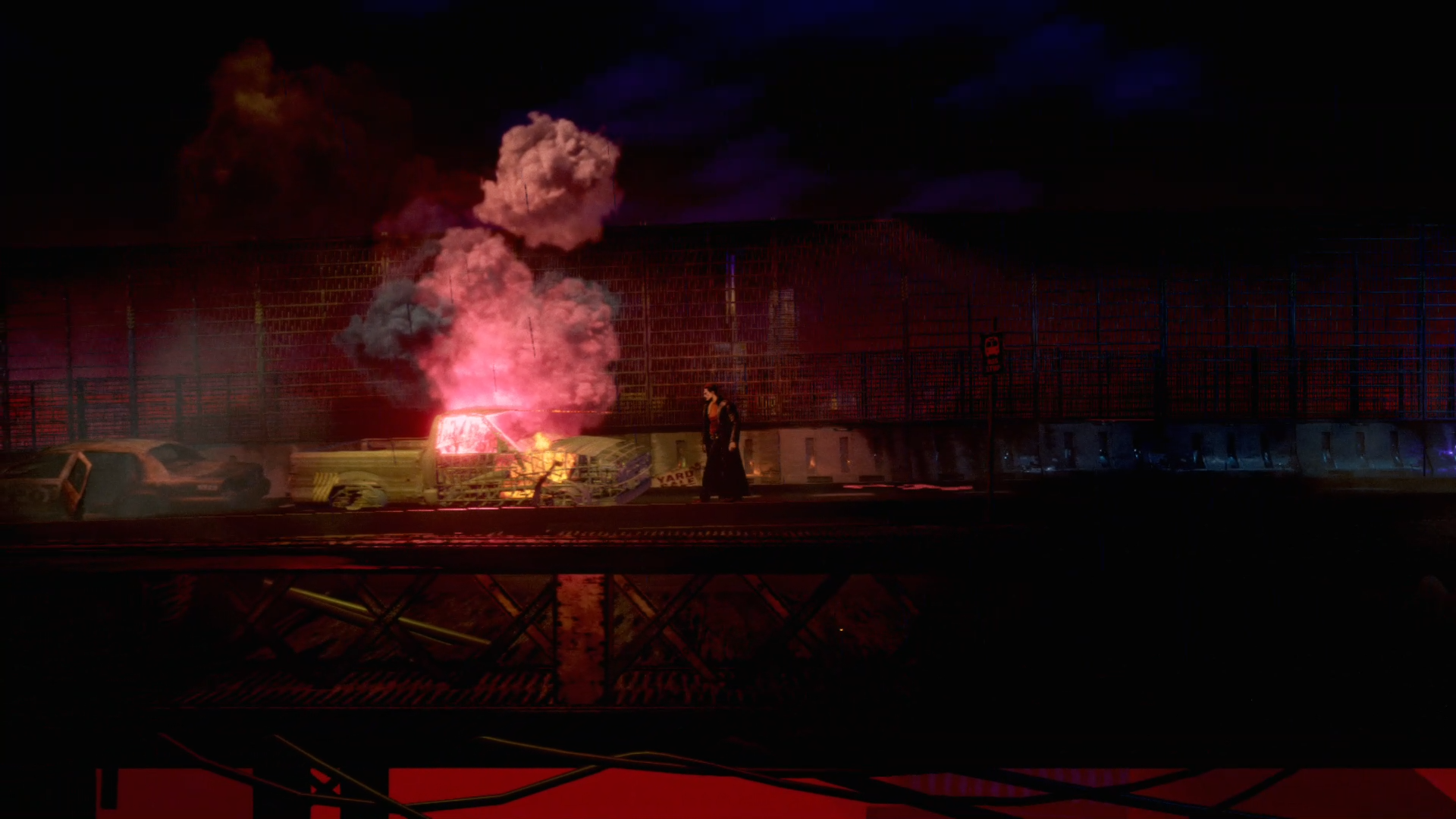
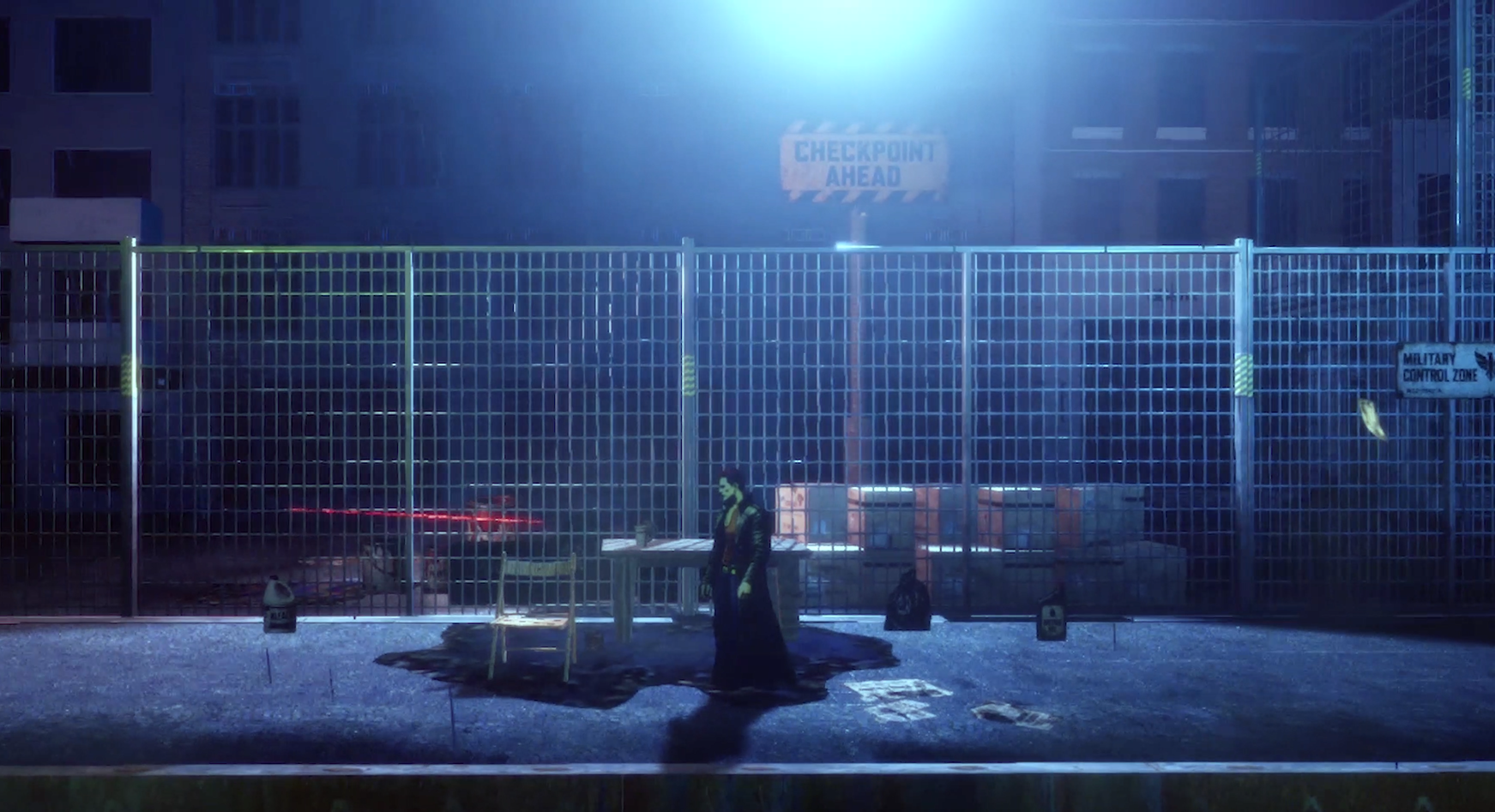
Freight Zero follows Caden through the streets of Old Draycott, a city marked by violence and unrest as martial law takes hold.
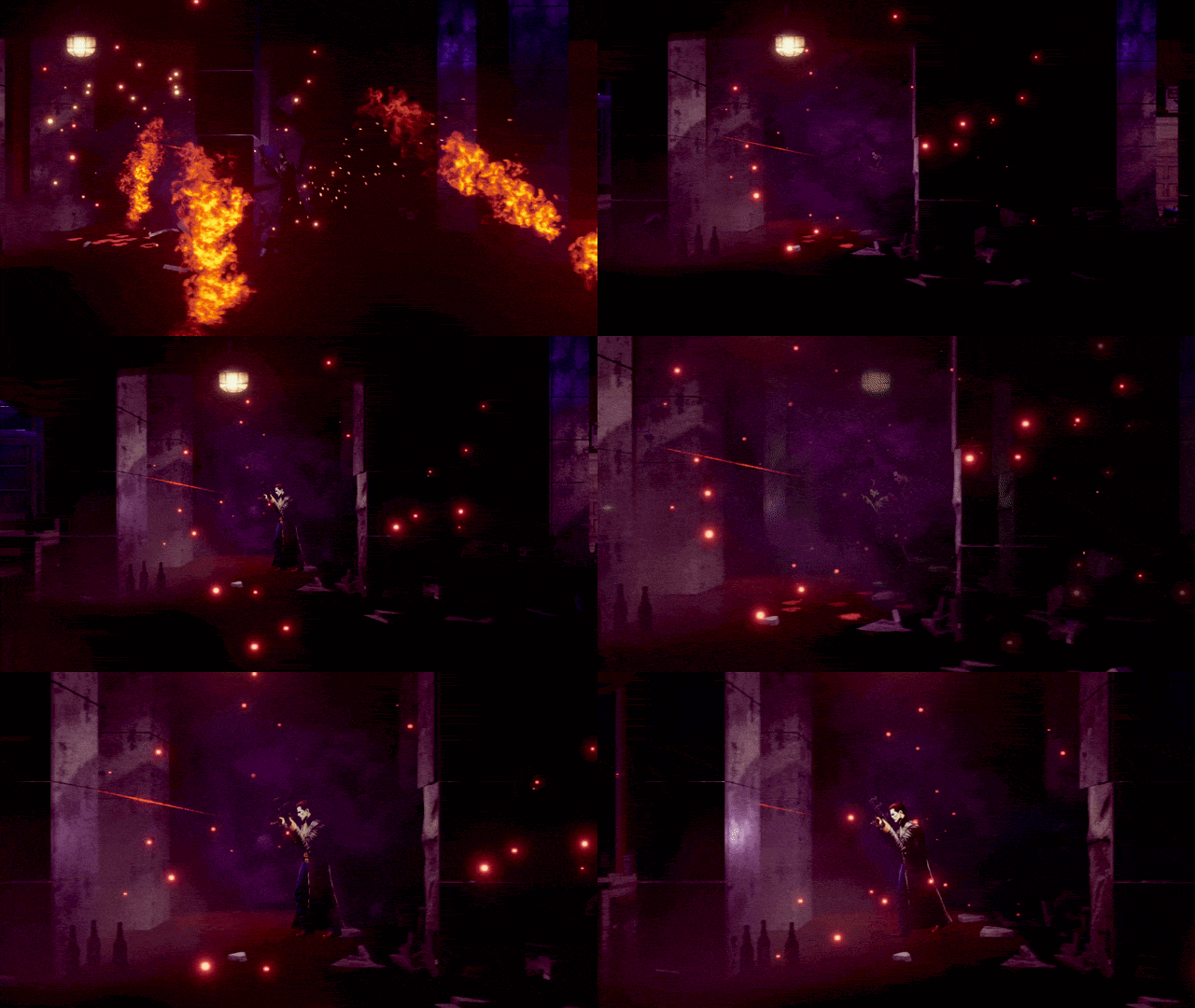
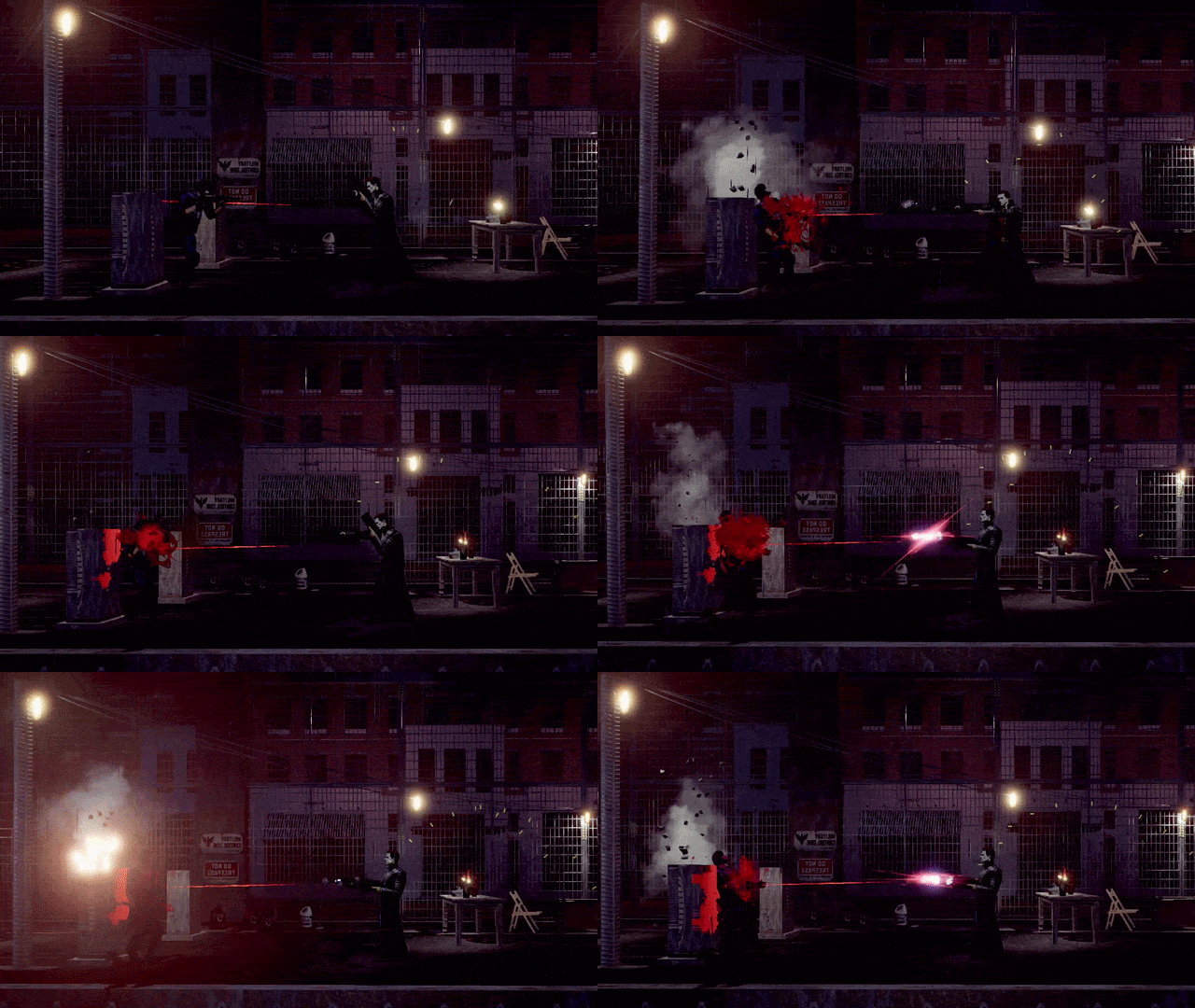
The first playable demo introduces the core systems through a selection of combat encounters and environments. The game features hand-drawn character animations, detailed scenarios, and enemy AI designed to respond to the player's actions. Exploration is just as much a part of the experience, allowing players to move through the levels and interact with objects.
Features:
- Firearm combat and close-quarters encounters.
- Enemy patrol, detection, pursuit, and combat behaviors.
- Stealth and non-lethal takedowns.
- Environmental interactions and destructible objects.
- Character movement, evasive mechanics, and exploration.
- Detailed character animation, lighting, and visual effects.
Download
Install instructions
Platform: Windows 64-bit
Download, unzip and execute FreightZero.exe inside the folder.
System Requirements
Component | Minimum | Recommended |
|---|---|---|
OS | Windows 10 64-bit | Windows 10/11 64-bit |
Processor | Intel Core i5 or equivalent | Intel Core i7 or equivalent |
Memory | 8 GB RAM | 16 GB RAM |
Graphics | Dedicated GPU with 2 GB VRAM | Dedicated GPU with 4 GB VRAM |
DirectX | Version 11 | Version 11 |
Storage | 4 GB available space | 4 GB available space |
You can adjust the graphics quality settings in the demo's pause menu.
CONTROLS
| KEY | ACTION | DESCRIPTION |
|---|---|---|
| W / A / S / D | Move | Move your character. |
| Left Shift | Run | Hold to sprint. |
| Space | Jump | Jump over obstacles and reach elevated areas. |
| Left Ctrl | Crouch | Lower your stance to move through tight spaces. |
| Left Mouse Button | Shoot | Fire your equipped weapon. |
| Right Mouse Button | Melee | Perform a close-range attack. |
| R | Reload | Reload your current weapon. |
| C | Grenade | Use Grenade. |
| F | Flare | Use a flare. |
| E | Interact | Interact with objects and the environment. |
| Tab | Sense | Activate Sense mode. |
| P | Pause | Pause the game and access the menu. |
You can adjust the controls in the demo's pause menu.
Join our Discord Server for Support or Feedback.
Play More Games by Luan Prates